Build forms & surveys

Style forms to match your design
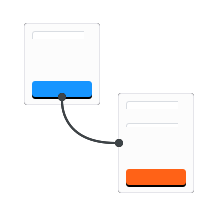
Build multiple page forms
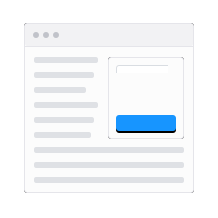
Embed forms in any page

Calculate values and scores using form fields
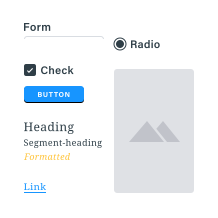
Create the perfect form with our full toolbox of over 50 item types

Share account access with Sub-users

Custom logos made easy
Get responses
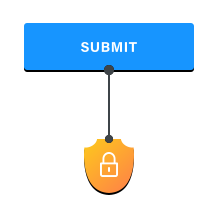
Collect sensitive data with secure forms

Allow partial responses using Save & Return

Collect file uploads

Link related forms with workflow logic

Responsive forms for mobile and tablet users

QR codes made easy
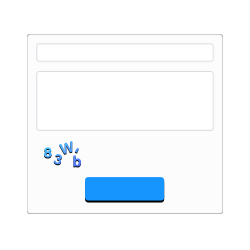
CAPTCHA made easy
Collect payments
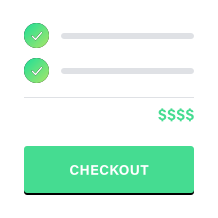
Order Forms made easy for products and services
Use PayPal Business for easy and secure global transactions with a variety of options.
Use PayPal Personal to collect payments using PayPal's secure and easy tools.
Collect payments with Authorize.net order forms
Collect payments with Stripe order forms
Collect payments with Braintree order forms
Use your results

Email Notifications keep you connected

Graphs and tables for visual results
Import / export your data for external processing

Share custom reports with a click

Integrate with Amazon S3, Box, Constant Contact, DocuSign, Dropbox, Google Calendar, Google Drive, Google Sheets, Mailchimp, Microsoft Excel, Microsoft OneDrive, Salesforce, Slack, and Zapier
View and share results as PDFs in our format or yours

Merge form results into your Microsoft Word document
Integration services

Salesforce made easy

Send files and results to your Google Drive

Google Sheets integration made easy

Dropbox integration made easy

Mailchimp integration made easy

Get instant result notifications with Slack

Box integration made easy

Microsoft OneDrive & SharePoint made easy

Zapier Integration made easy
Custom integration made easy

Send files and results to your Amazon S3 bucket

Constant Contact integration made easy

Google Calendar integration made easy

DocuSign integration made easy

Microsoft Excel integration made easy