File Space Limit Management for Uploaded Files
All Formsite accounts have the ability to collect uploaded files with the form submissions. Using the File Upload item, form owners can let form visitors add attachments when completing the form. Formsite accounts have limits on basic metrics like number of forms, number of results, and File Space limit.
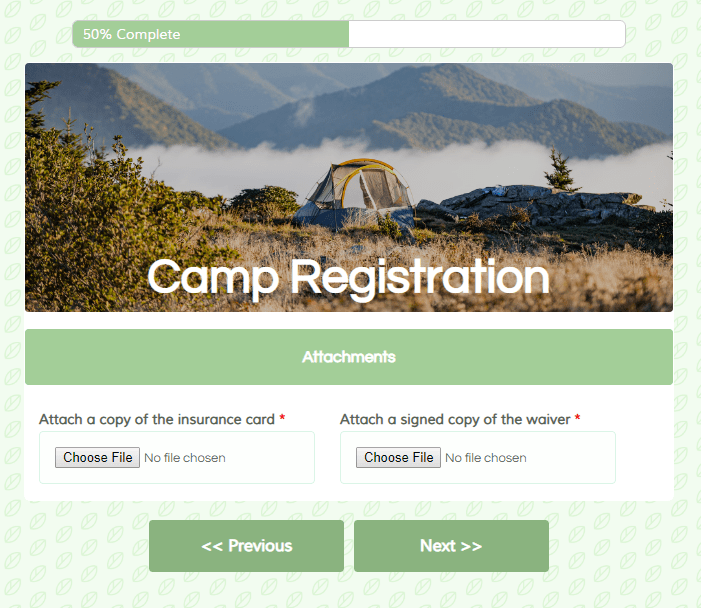
The File Space limit represents the total file space allowed for all forms in the account. Every file uploaded to all forms contributes to the account’s File Space. When the File Space limit is reached, none of the forms can accept any new results with uploaded files.
The top questions regarding File Space include:
- Where to see the account’s limit and how much space is available
- How to see how much space each form uses
- Viewing and downloading attached files
- Ideas for managing forms with attachments

 Formsite forms come with many automated tasks that make building online forms easy. The submit button, for example, automatically appears when needed and shows ‘previous’ and ‘next’ labels for
  The
The 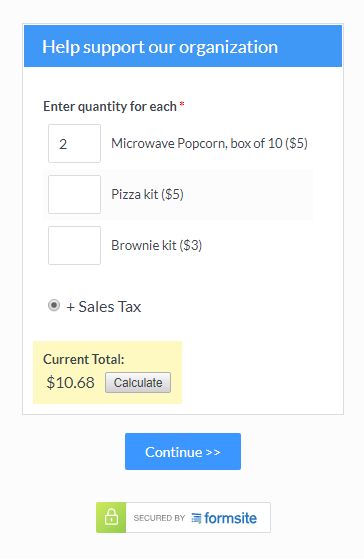 The basic order form items include:
 Using the prePopulate value in the form’s embed code lets form owners pre-populate the embedded forms. A