Embedded Form Alignment and Other Formatting Tips
Embedded forms allow Formsite form owners to display forms in their own sites, which creates a more integrated and seamless user experience. The embed code offers variables for sizing the form, prePopulating the embedded form, and various other settings. Embedded form alignment can be tricky, however, and some style settings in the host site may be needed.
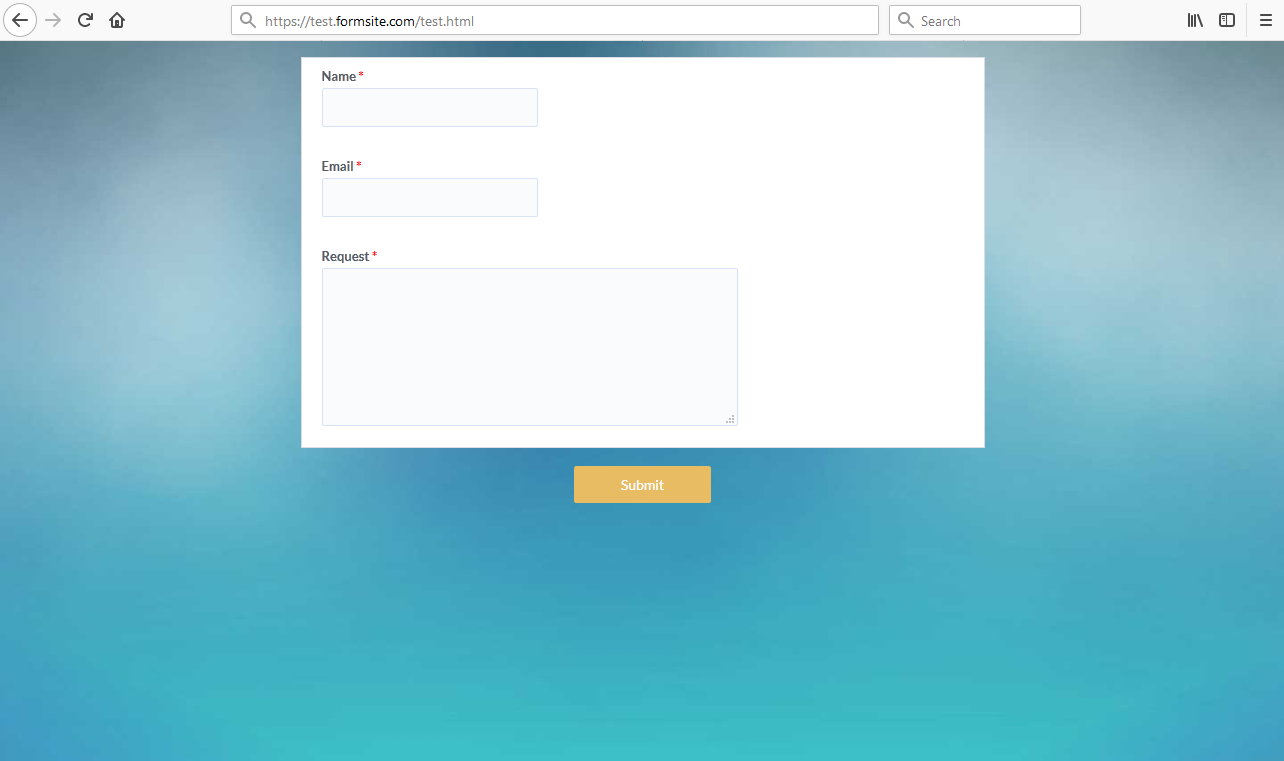
The most common way of embedding forms displays the form in the main content area on the host site. The form's width is set to 100% and the host site's code sets the container's position.
Sometimes the form owner wants to display the form smaller, aligned differently, or in a smaller container on the host site. Therefore, custom CSS changes the alignment and position of the form's container.
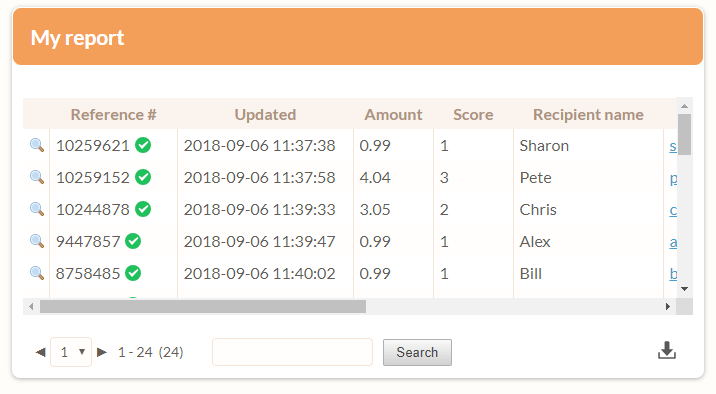
 Exporting the results and using the data with the integration services requires some formatting in Excel or expertise with Formsite’s Results
 Formsite allows form owners at all service levels to use