API Basics for Formsite Forms & Results
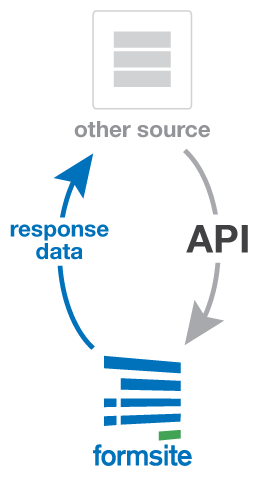 One of the ways Formsite helps form owners is by connecting to third-party services through integrations. The payment integrations, for example, allow form owners to collect payments from order forms by simply adding the merchant account information. Where we don't have a built-in integration, the Application Program Interface connects online services, or API for short.
The API for any service communicates with the service and passes data from one side to the other. This data transfer can either PUSH or PULL the data, depending on which side is making the request:
- Formsite can PUSH the data by triggering the Server Post integration when the form is submitted and sending the form result data to another system. Read more about using Server Post.
- An external system can PULL the data by connecting to Formsite using the API and receiving the information.
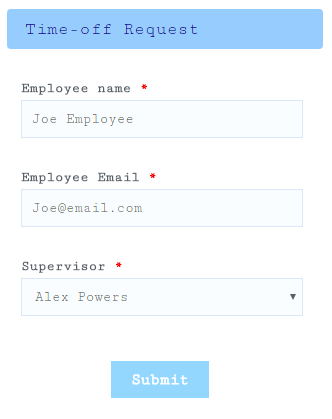 Many customers ask if the online form is able to be printed. Reasons to print forms include for easier review among several internal departments, or for completing offline. Many features of online forms are difficult to see when printed, however, so this article contains some tips and methods for printing your forms successfully.
Printing form results is a separate question than printing the blank form, yet many of the reasons and methods are the same.
Many customers ask if the online form is able to be printed. Reasons to print forms include for easier review among several internal departments, or for completing offline. Many features of online forms are difficult to see when printed, however, so this article contains some tips and methods for printing your forms successfully.
Printing form results is a separate question than printing the blank form, yet many of the reasons and methods are the same.
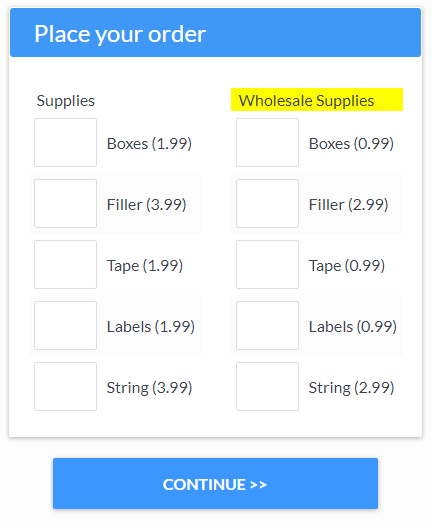 A recurring topic that comes up is how to reduce the number of similar forms in a Formsite account. A related question is how to display different items on a form for different visitors. Both questions essentially ask the same thing: How to show conditional items on a form?
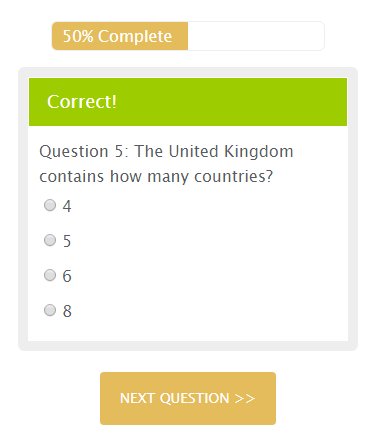 Occasionally we get questions about making one-way forms, which are forms that only allow visitors to go forward. Viewing previous pages may be problematic or against the nature of the form, such as with
 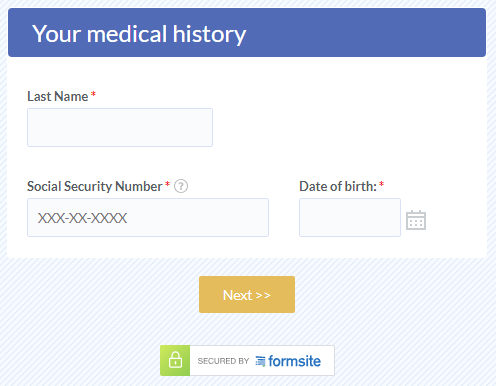 Data
Data 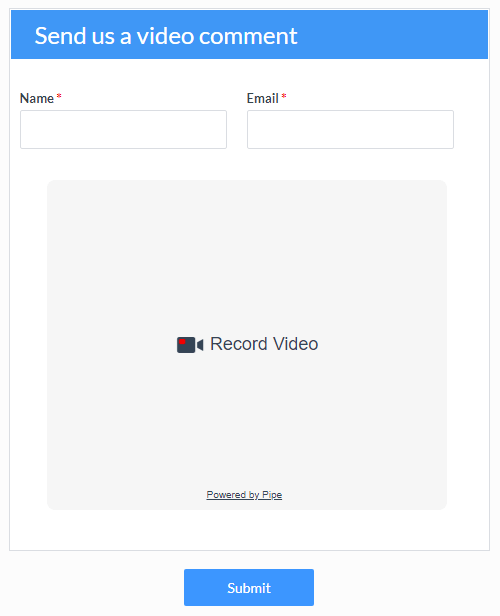 Whether you want to add video responses to a simple questionnaire or collect open-ended qualitative video data, this tutorial will show you how to record video with your Formsite forms.
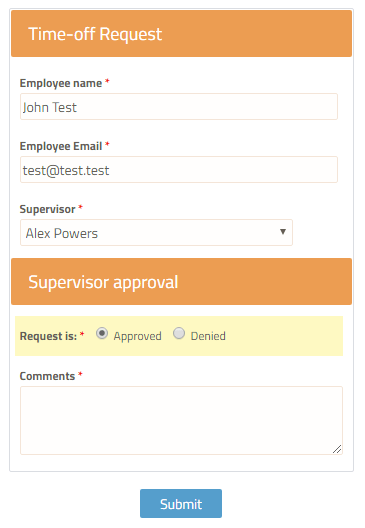 Form owners often ask about updating
 Browsing the support site at
  While Formsite has some of these