Date Rules, Early-Bird Pricing, and Expiration Dates
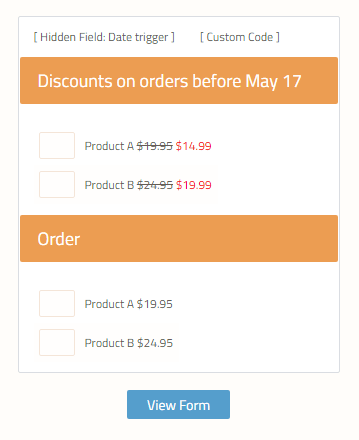 Order forms with early-bird pricing or choices that change on a specific date are sometimes needed. Built-in date calculations are on the consideration list for an upcoming release. In the meantime, date rules can be made to affect the form items.
By using a combination of Custom Code and Hidden Field items, the ability to set specific text as a trigger is how the system works. Once the trigger text is set, the built-in Rules take over to show or hide form elements.
The procedure works like this:
Order forms with early-bird pricing or choices that change on a specific date are sometimes needed. Built-in date calculations are on the consideration list for an upcoming release. In the meantime, date rules can be made to affect the form items.
By using a combination of Custom Code and Hidden Field items, the ability to set specific text as a trigger is how the system works. Once the trigger text is set, the built-in Rules take over to show or hide form elements.
The procedure works like this:
- All items are added to the form for all situations
- The Hidden Field item is added to the top, followed by the Custom Code item
- The code is entered and customized to set the value for the Hidden Field item
- The form items’ Rules are customized based on the Hidden Field item’s value
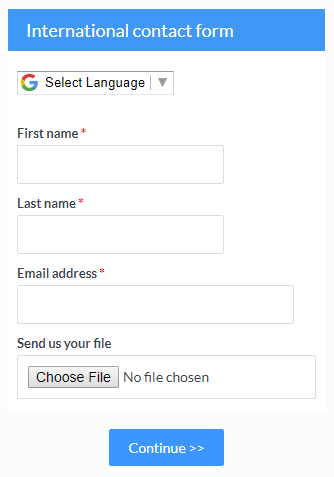 Formsite customers from all corners of the world are able to create forms to meet their needs. Localized forms help international customers make forms with more than just translated text, but also the correct format and currency.
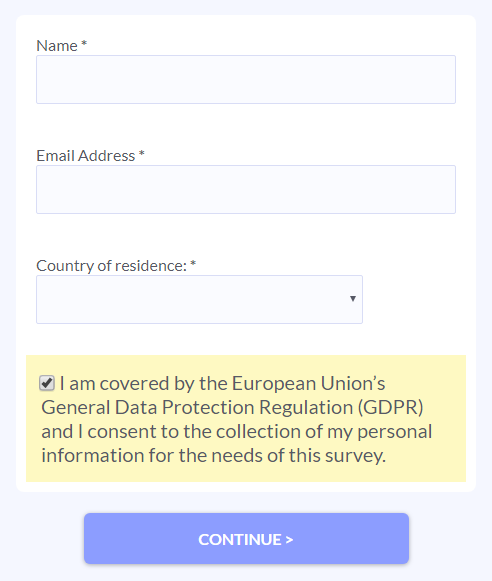 The European Union’s upcoming General Data Protection Regulation (Regulation (EU) 2016/679, hereinafter "GDPR") is almost here. On May 25, 2018, all organizations with customers in Europe will need to be compliant with the GDPR rules.
 Sending email
 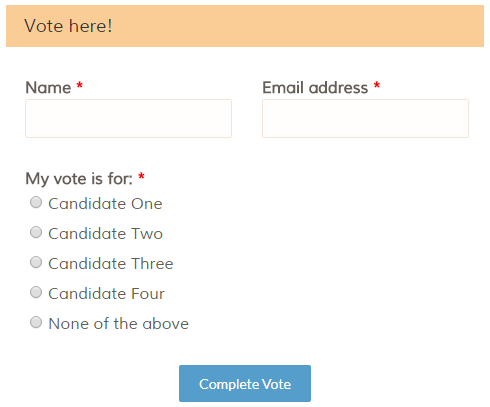 Forms that restart automatically are referred to as ‘kiosk’ forms. These are used as stand-alone forms that collect
  Make sure it’s useful and relevant
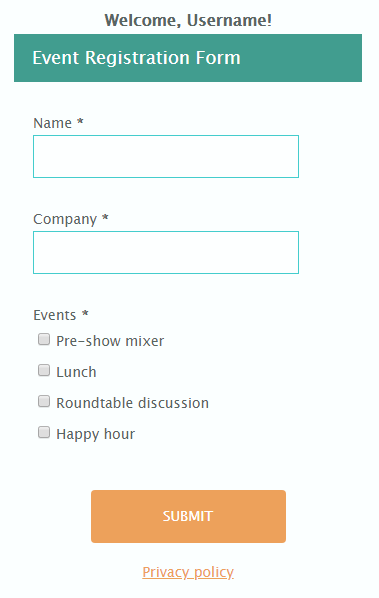 One of the lesser-known features of Formsite forms are the form Header & Footer settings page. These areas let form owners insert content that appears on every page of the form, and can include