Save & Return Features, Settings, and Tips
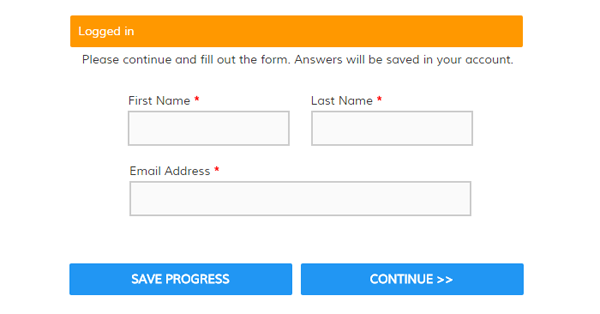
One of our most useful features is Save & Return, which gives your form visitors the ability to save their progress on your form. Using this feature is mostly straightforward but there are some settings and features that form owners should be aware of.
For example:
- Do I need to add the Save & Return item to my form?
- What do the settings do?
- How do I link to my form?
- How do Notifications work with it?
- Can I Pre-populate?
- Does it work with embedded forms?
 A popular question is how to add images or

 WordPress is more popular than ever due to its combination of simplicity and powerful customization features. Users of all kinds—from newbies to power users, bloggers to big-time organizations—can take advantage of WordPress' smart tools to quickly make a brand new professional website.
One of the most popular WordPress features is the ability to add a plug-in to perform a non-built-in function, such as collecting form data or sending an email. Unfortunately, plug-ins come with risks like difficulty installing or configuring, not working with other plug-ins or WordPress updates, or having to constantly monitor and update. Luckily, Formsite forms are easy to embed into your WordPress site and have none of the drawbacks that plug-ins have.
WordPress is more popular than ever due to its combination of simplicity and powerful customization features. Users of all kinds—from newbies to power users, bloggers to big-time organizations—can take advantage of WordPress' smart tools to quickly make a brand new professional website.
One of the most popular WordPress features is the ability to add a plug-in to perform a non-built-in function, such as collecting form data or sending an email. Unfortunately, plug-ins come with risks like difficulty installing or configuring, not working with other plug-ins or WordPress updates, or having to constantly monitor and update. Luckily, Formsite forms are easy to embed into your WordPress site and have none of the drawbacks that plug-ins have.