Matrix Items: Guidelines & Tips for Use
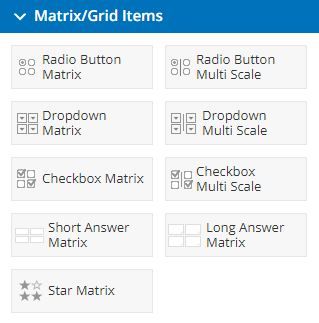 A matrix is a way to show information in columns and rows, like a table or a spreadsheet. Matrix items are specialty items from Formsite that allow form builders to collect a large number of answers in a smaller area by combining questions in the columns or rows.
In addition to the various Matrix items, there are the specialty Multi-scale items and Star Rating item. These items have been designed to allow form builders to collect information in specific and unique ways.
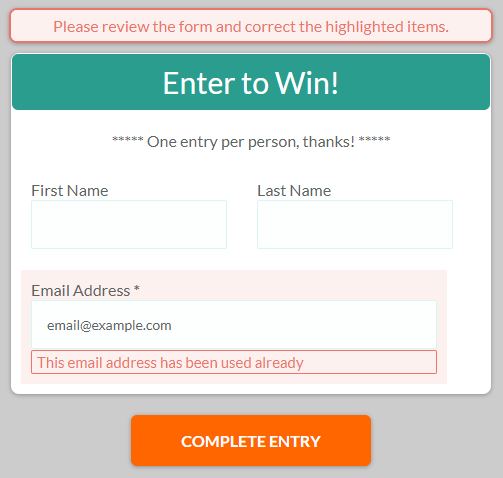 Forms that collect many results from a wide group of visitors run the risk of receiving duplicate or incomplete results. For example, posting the
  Many Formsite customers rely on their forms to serve a major role in day-to-day operations. Forms like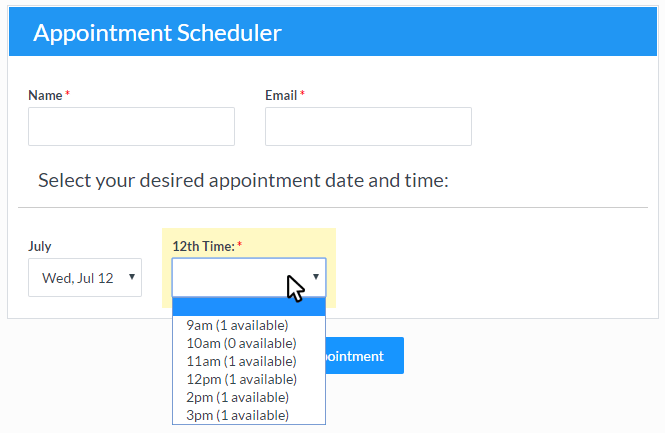
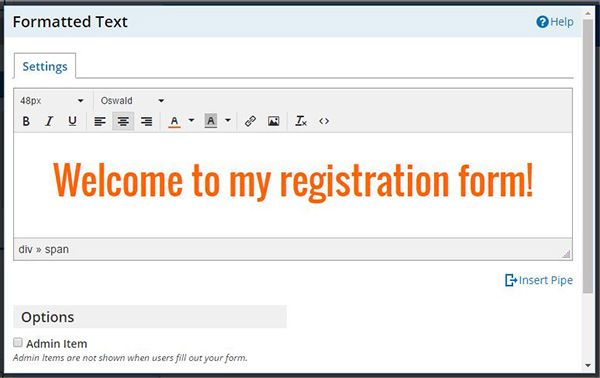
 The text editor is used in several different areas in the form and account including:
 Many Formsite features are triggered when the forms are submitted and occasionally there’s a need to resend
 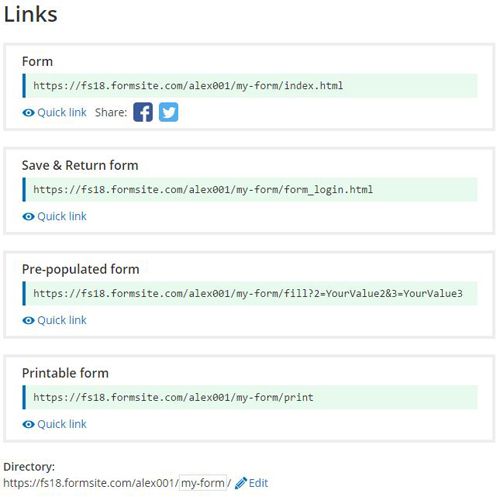 This article covers the different links available when sharing Formsite forms, including:
 Formsite is proud to announce