Appointment Scheduling Forms Made Easy
A popular request we get is how to make an appointment scheduling form. The requirements include letting form visitors choose from available appointment times while also preventing double-booking the same time. Our Inventory feature is the essential part of this system and this article will explain the steps for making a smart appointment scheduling form.
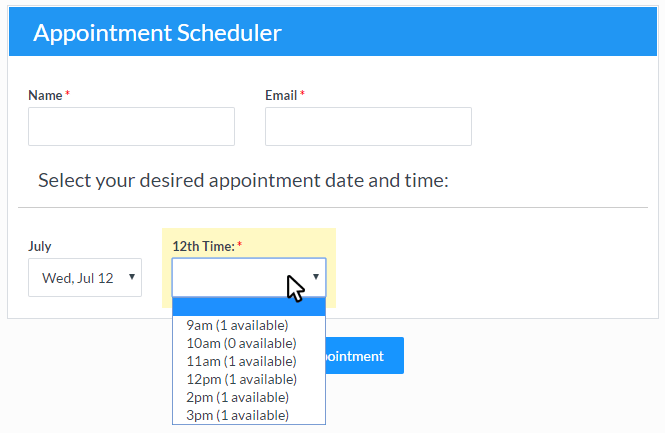
The most important step in creating the appointment scheduling form is determining how many days to list. For example, I can list the current month plus the next month to give enough lead time for customers without making the process too difficult. That gives me around 45 business days to maintain at any given time (61 days - 16 weekend days).
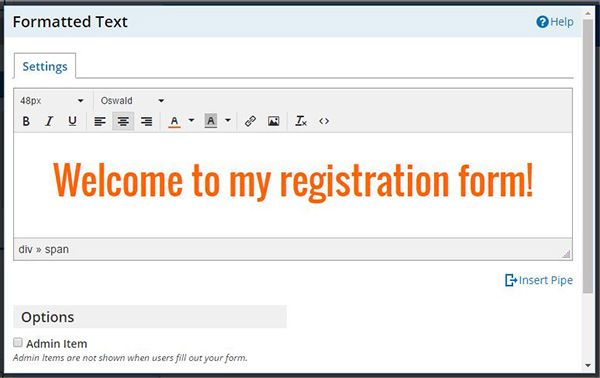
 The text editor is used in several different areas in the form and account including:
 Many Formsite features are triggered when the forms are submitted and occasionally there’s a need to resend
 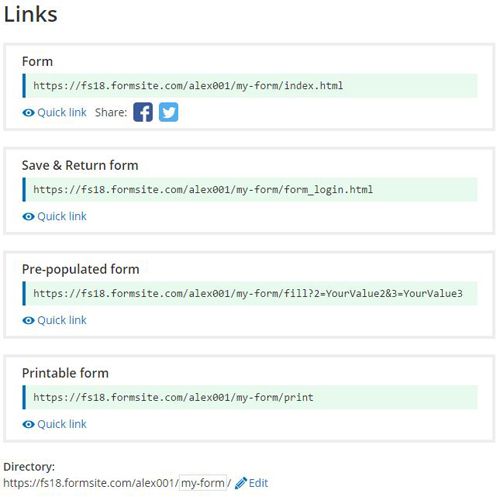 This article covers the different links available when sharing Formsite forms, including:
 Formsite is proud to announce
 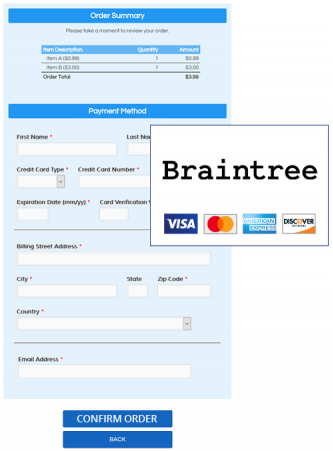 Our newest release adds some functionality enhancements and new capabilities for customers looking to collect payments using Braintree payment processing, embed multiple forms on one page, and use the Server Post integration to receive JSON-formatted results.