Recurring Billing Forms for Installments & Subscriptions
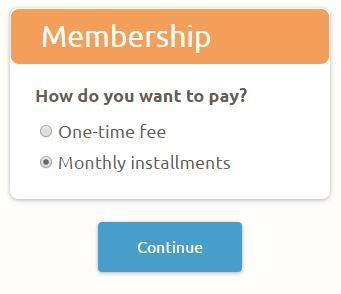 Order forms for one-time payments like event registrations, product order forms, and other single transactions use the standard payment processing setup, but sometimes it’s necessary to create a repeating charge. Some examples of forms with recurring billing include subscription fees, membership renewals, or installment payments.
Setting up an online recurring order form is easy with Formsite and the payment integrations with PayPal and Authorize.net.
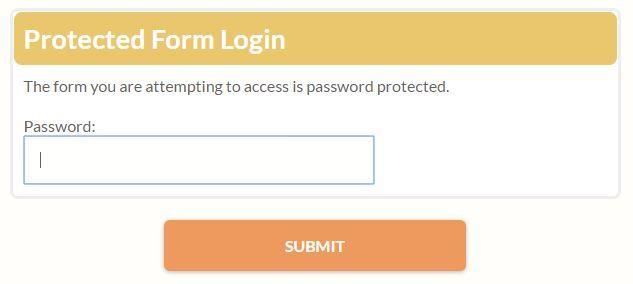
 Customizing the form text that isn't accessible in the Form Editor can help make a form easier to complete and understand. One example is setting custom text for the submit button from ‘Submit’ to ‘Complete Your Registration’, which can help keep form visitors informed of their progress.
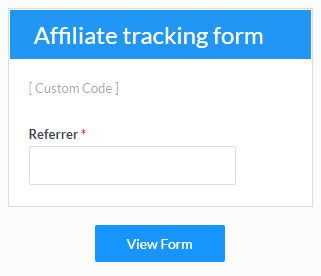 Formsite’s Custom Code item is used to add custom Javascript and HTML to a form for those times when extra code is needed that isn’t built into the form editor. The most common request is to add tracking code to get more information about how visitors use the form. Other uses include: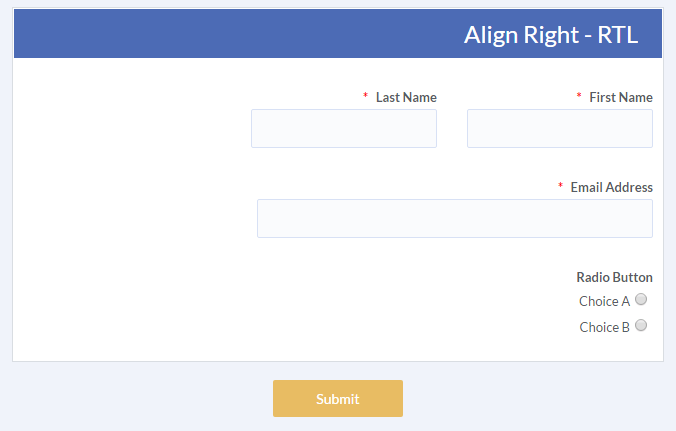
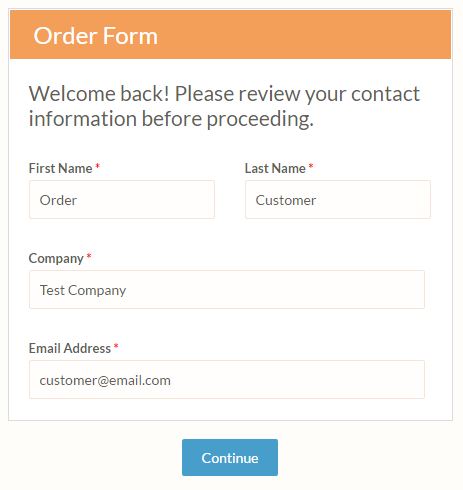 Piping is one of the most powerful tools available to form builders, as it allows for viewing and using form answers later in the form. The ability to collect and insert values into messages, other form fields, and file names lets form builders create dynamic systems for personalization and organization.
 The latest release includes enhanced features, new integrations, new templates, style updates, and more. The top enhancements include:
 Formsite uses