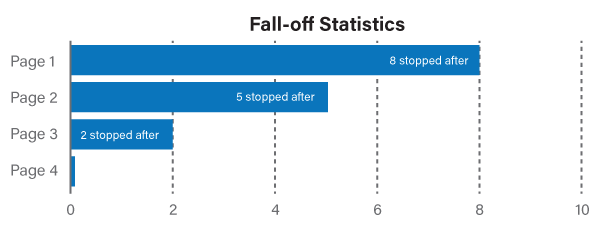
Multiple Pages, Intro Pages & Other Page Tips
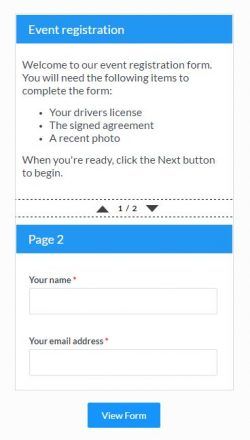 A common question is how to make a form with multiple pages, which is easily done by adding Page Break items to the form. That is only the beginning of the possibilities, though. Other questions related to form pages include:
- How to make an intro page?
- How to require a login after the intro page?
- How to disable going back to a previous page?
- How to skip pages based on answers to questions?
- How to repeat pages based on an entered number?
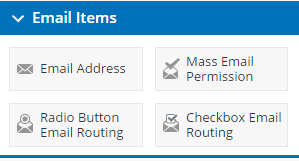 Sending multiple emails with every form response is one of our strongest features that virtually every form uses. Addressing the email messages is done by either manually entering email addresses or by using one of the Email Address items in your form. The Email Routing items are powerful tools that not many know about and they can help you make more efficient and useful notifications.
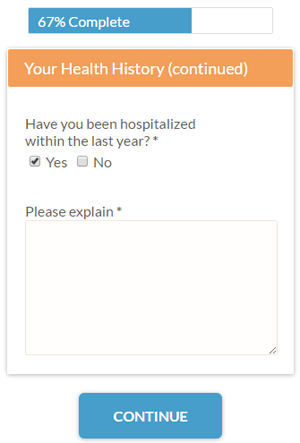 Formsite makes collecting
 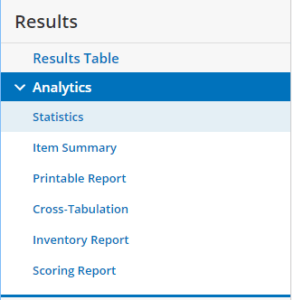 Tables, charts, and graphs are used to show the data as groups of answers so that you can quickly see how each group compares with the others, which assists form owners in improving their forms, optimizing conversions, and targeting the right visitors.
Formsite’s results analytics tools include:
Tables, charts, and graphs are used to show the data as groups of answers so that you can quickly see how each group compares with the others, which assists form owners in improving their forms, optimizing conversions, and targeting the right visitors.
Formsite’s results analytics tools include:
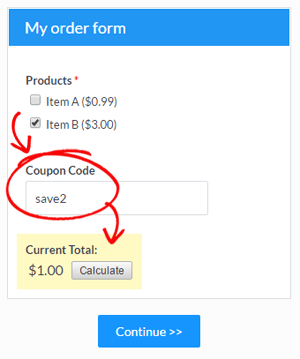 Order forms
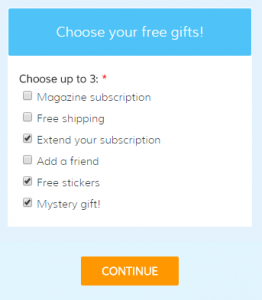 There are times when form owners want to limit the number of selections or only allow a max number of selected choices. There are a few methods to set answer limits depending on the kind of
 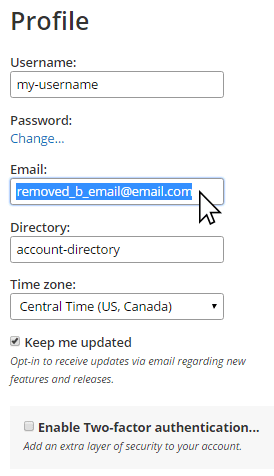 The end of the year is the perfect time to perform some account maintenance and review your forms. Overall activity is typically slower for many people, and the year end is a convenient and memorable time to make changes.
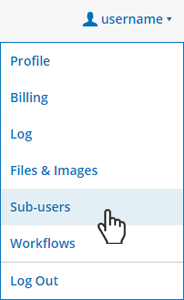 The ability to give someone access to a Formsite account without turning over full ownership is a popular and useful one for many organizations. Whether there are multiple departments that share the account or clients who need the ability to see their forms without seeing others’, the
 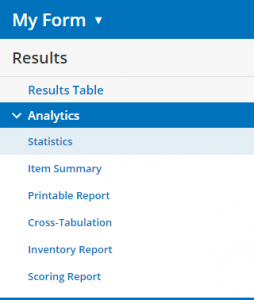 New Analytics Tool