Form Editor Tips for Faster Form Building & Editing
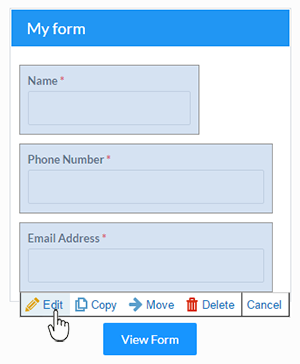 Whether you’re new to Formsite or a veteran form builder, learning new form editor tips can help you create and manage your forms more efficiently.
For example, did you know that you can add a new item to the next available position in your form with a double-click? The drag-and-drop editor is useful for designing and editing your form, but nothing beats the double-click for adding items to your form fast.
Our top form editor tips are:
- Multi-select your form items
- Copy items & styles from other forms
- Paste your answers
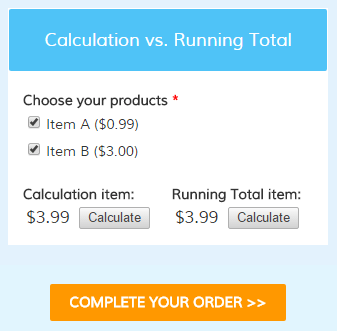 The Running Total item is used to display the actual order total when creating order forms. Regardless of how complex your form may be, the Running Total item automatically keeps track of all selected quantities, percentage calculations, coupon codes, and any other factors that affect the order total.
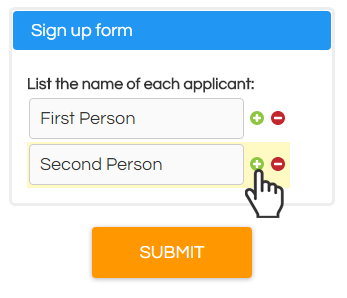 Many forms have a need to support entering more than one name or block of information, whether it’s for a registration form, order form, or any information collection form. For example, signing up players on a team or event attendees needs to be able to capture a list of names and keep them organized under the primary result. Here are some methods to allow visitors to add multiple answers to your Formsite form, along with some things to consider.
 Building your form to be
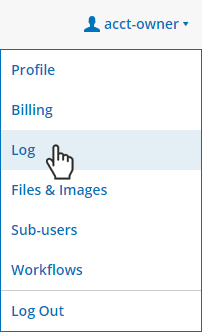 Keeping track of your Formsite account can be challenging at times, especially if you have multiple people using the same account or if you have
 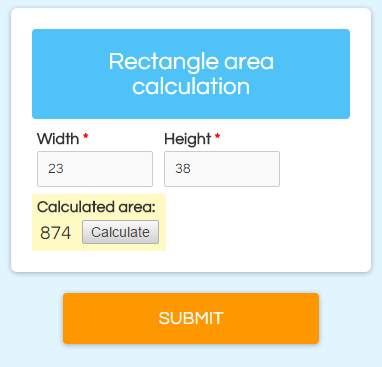 One of the many features that makes Formsite popular and powerful is the
 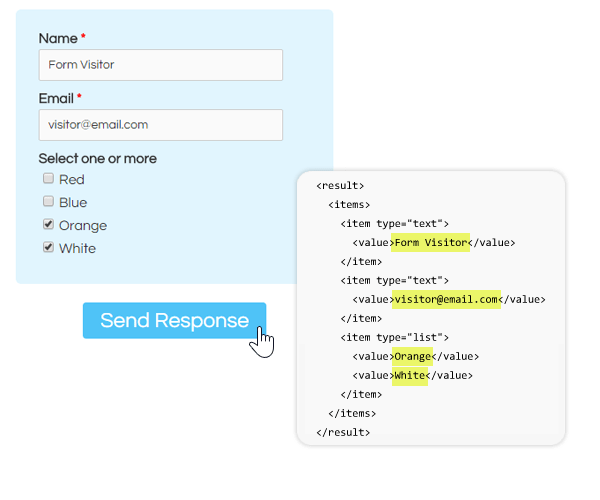 The possibilities are virtually endless. Getting started with Server Post only requires some patience and a little bit of programming.
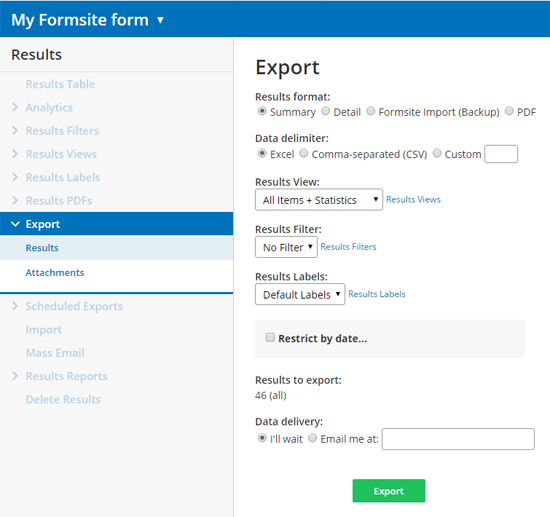
 Your Formsite form has its own unique URL that you can customize for any reason. Whether you’re looking to change the link to include your company name, a category tag, or if you’re just looking to simplify the link, here are some instructions and tips for making a custom URL for your form.