Uncategorized

Reports Examples and Usage for Real-time Reporting

A popular Formsite feature is our Results Reports area that lets account owners give access to the form results without giving access to the account. Creating a report will show links to both a table and a chart display, which allows the viewer to choose from a few different formats.
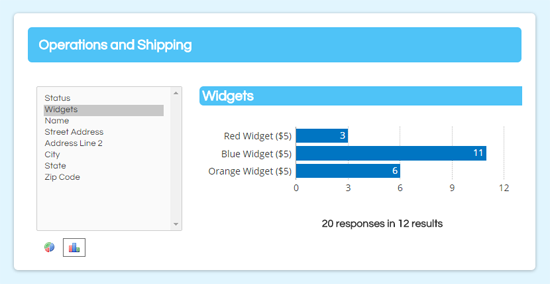
Formsite Reports chart

Setting up Reports is as easy as giving the report a name and clicking the Save button (see the documentation page for a tutorial video showing the basic setup). Using the optional settings can expand the usefulness of the function. These settings include setting a password to restrict access, allowing edits to the results, and using Results Filters and Results Views for more focused reports.

Continue reading

Admin Item Usage and Tips for Better Online Forms

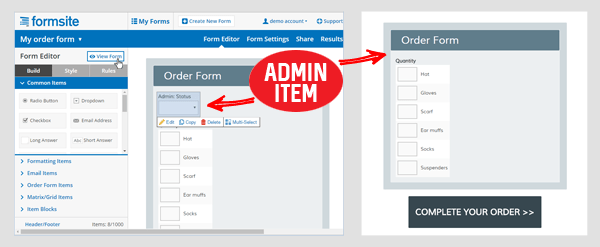
One of the most frequently misunderstood concepts is the Admin item setting on your Formsite form items. Using the Admin setting allows you to create form items that are for admin use only, but what does that mean and why would you use it?

The Form Editor says that Admin items aren’t shown on your form. That means that the item will appear in your Results Table as part of the form, but the item itself will not appear on the form when the visitor completes the form.

Formsite Admin item

Uses for this feature include:

  • Creating an internal status or notes item for each result
  • Editing or removing items from the form without losing the recorded results
  • Triggering follow-up email notifications
Continue reading

Send Email Reminders for Uncompleted Forms – Updated

This article has been updated! Go to the new one >
Formsite form reminders email

A popular request is how to send email reminders when people don’t complete your form. The dilemma is how to trigger something based on something NOT happening. For customers looking for this ability, Formsite's Mailchimp integration and Mailchimp’s  Automation tools make it possible.

Let’s dive right in. You will need:

  • A Formsite form you want people to complete
  • A Mailchimp account
  • A list of email addresses for your visitors

The easiest way to start is by adding your emails to a new Mailchimp list, although you can use another form to make your list (more on that at the end). The order things will happen is:

  1. You send your Mailchimp Campaign with a link to your form to a list of email addresses
  2. When recipients click the link to visit the form, submitting the form records a value to the subscriber at Mailchimp
  3. After a set period of time, the reminders are sent to all subscribers without the value
Continue reading

Google Sheets Integration Setup & Top Tips

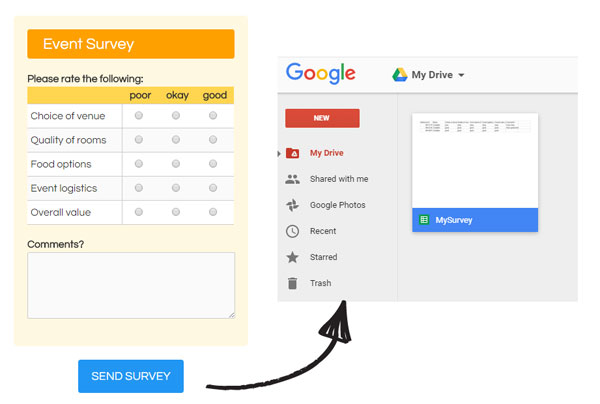
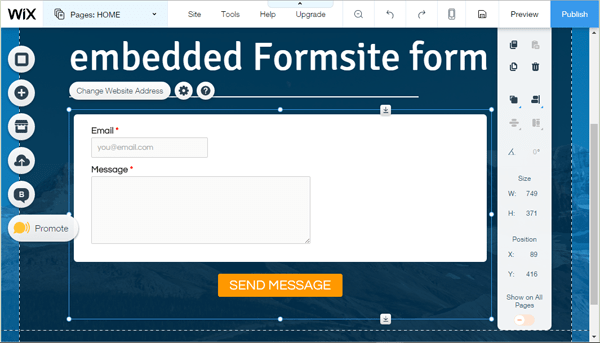
Connecting your form to Google Sheets is easy to set up and requires virtually no maintenance, making it one of the most popular integrations for Formsite members. Connecting your form to your Google account is an easy and dependable way to create an automated backup of your form results, along with many other benefits you may not realize.

Formsite Google Sheets integration

Continue reading

Rules Make Your Online Forms Smart & Efficient

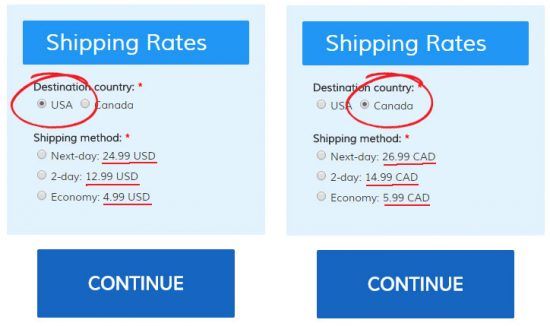
Your form’s Rules page is a list of actions your form will take while your visitors are completing your form. For example, say you offer shipping to both USA and Canada. If you have a question near the beginning of your form asking the visitor’s country, you can create a rule to show the appropriate items later in the form. Formsite online form rules
Continue reading

Word Mail Merge for Personalized Documents

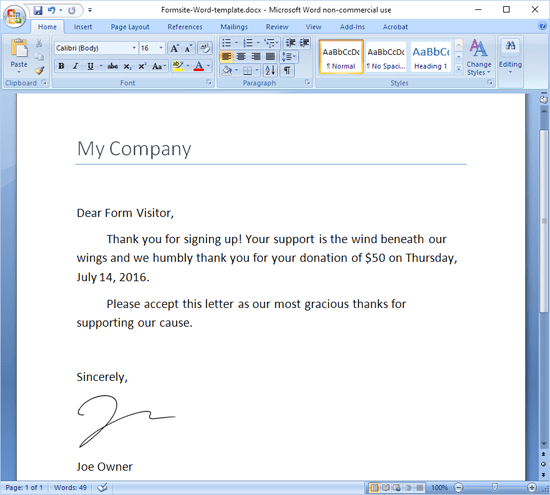
Do you have a need for making custom personalized documents in Microsoft Word using your Formsite results? Consider your donation form or registration form -- what if you could send every visitor a custom thank-you or confirmation letter with their information pre-filled?

Formsite Word template

You can! Simply export your Formsite results and use them as a data source in Microsoft Word, then add individual fields to your Word document for a totally customized version of the doc. You can then run the project when you’re ready and Word will automatically create all of your documents for you.

Continue reading

Responsive Forms Setup & Customization

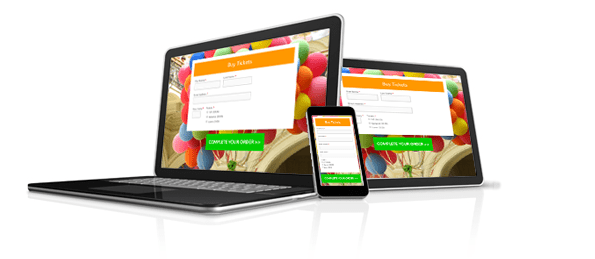
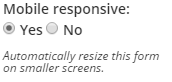
Mobile-friendly web pages are a must-have for giving your site visitors a usable experience and for increasing your visibility with search engines. The most efficient way to display your page and forms correctly on both full-size and mobile displays is to make them responsive. That means they respond to the size of the display and let designers specify styles to apply for different sized displays. Responsive Online Forms Mobile Responsive Form SettingsFormsite forms are mobile responsive forms by default. If your form is old or you’re using a copy of an old form and your form does not show the mobile-friendly appearance on a mobile device, your form may have the setting disabled. You can change the Mobile responsive setting by going to the Form Editor -> Style -> Advanced page.
Continue reading

Form Settings to Enhance Your Form

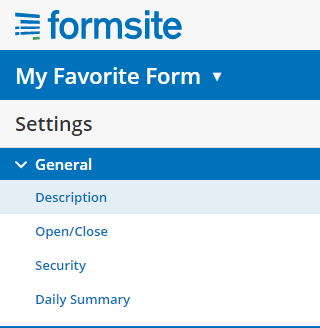
Formsite form settingsEvery Formsite form has settings that you can customize to enhance your form’s security, description, and access. Your form settings can greatly increase the usability of your forms by both visitors and account users, and the security on both the account side and the visitor’s side. Your form’s General Settings can be found under the Form Settings link and include:
  • Description
  • Open/Close
  • Security
  • Daily Summary
Continue reading

Use Results Views to Focus Your Results

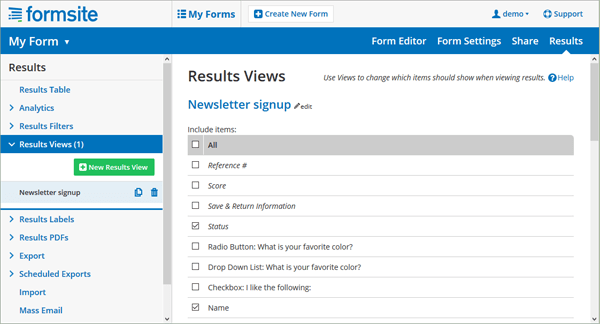
Your form results include many parts that are included by the Formsite system, such as the result status, time stamp, and referrer, and there may be a time when you don’t want to see everything. Or there may be a need to see only one or two values from a larger form. Results Views let you view or use specific results columns.

As part of the built-in results enhancement tools, Results Views let you focus your results’ displays wherever they occur. Along with Filters and Labels, Views lets you create custom email notifications, reports, integrations, exports, and any other function that uses your result data.

Results Views

Continue reading
Billions of forms submitted