Form Settings to Enhance Your Form
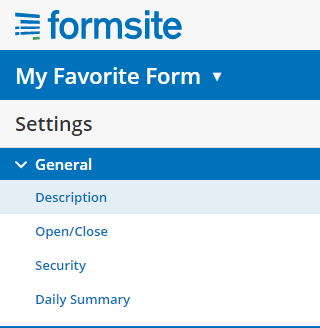
Formsite form settingsEvery Formsite form has settings that you can customize to enhance your form’s security, description, and access. Your form settings can greatly increase the usability of your forms by both visitors and account users, and the security on both the account side and the visitor’s side. Your form’s General Settings can be found under the Form Settings link and include:
  • Description
  • Open/Close
  • Security
  • Daily Summary
Continue reading

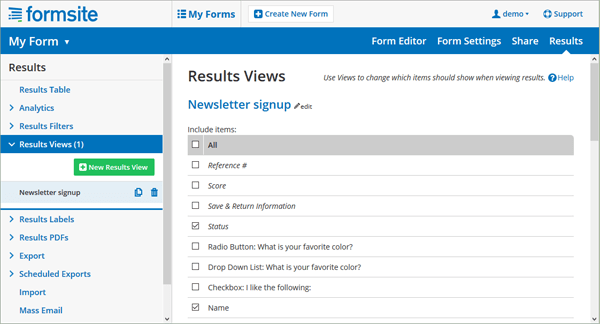
Use Results Views to Focus Your Results

Your form results include many parts that are included by the Formsite system, such as the result status, time stamp, and referrer, and there may be a time when you don’t want to see everything. Or there may be a need to see only one or two values from a larger form. Results Views let you view or use specific results columns.

As part of the built-in results enhancement tools, Results Views let you focus your results’ displays wherever they occur. Along with Filters and Labels, Views lets you create custom email notifications, reports, integrations, exports, and any other function that uses your result data.

Results Views

Continue reading

Form SPAM Automatic Protection by Formsite

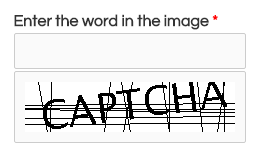
Form SPAM CAPTCHA ItemSPAM appears in many forms as it dilutes real information and creates suspicious cynics of us all. Where email SPAM can send a million copies of the same pre-constructed message to a huge list of addresses, form SPAM can only connect and complete each form one at a time. This limitation gives us an edge for protecting your forms.
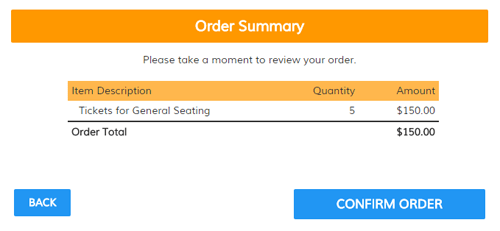
The overlying method for preventing form SPAM is to verify that the form visitor is a real person and not a computer program; often referred to as a ‘bot’ (short for ‘robot’). Techniques for confirming the visitor as human are to use simple interactive elements that expose the behavioral differences between humans and bots.

The first line of defense

Formsite has built-in security measures to monitor and prevent many problems with online forms, including fraudulent submissions by bots. Our system uses several layered techniques to alert us when problems may be present and helps us to automatically protect against non-legitimate form visitors.

Continue reading

Formsite Makeover Update

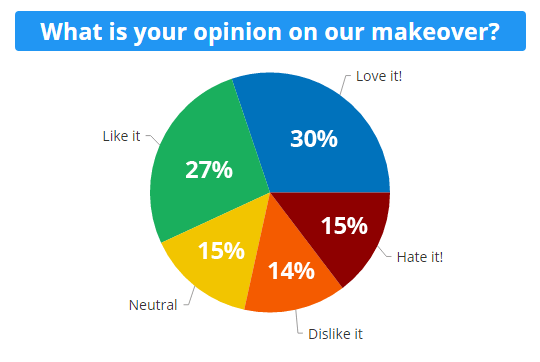
The recent upgrade to optimize the interface for our customers was a major change for everyone. The transition went smoothly and one of the elements that may be credited with easing some of the change was a page highlighting the changes and asking for feedback. This makeover update is a high-level view of the current feedback from our customers. Formsite Makeover Update Chart
Continue reading

Save & Return Features, Settings, and Tips

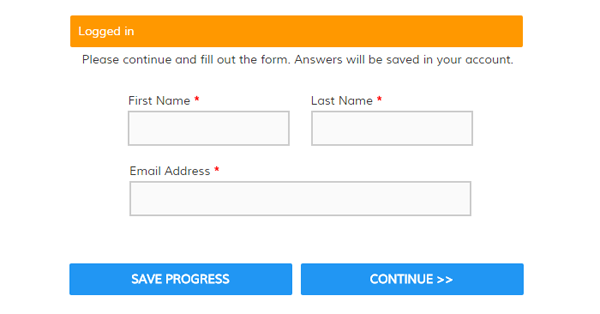
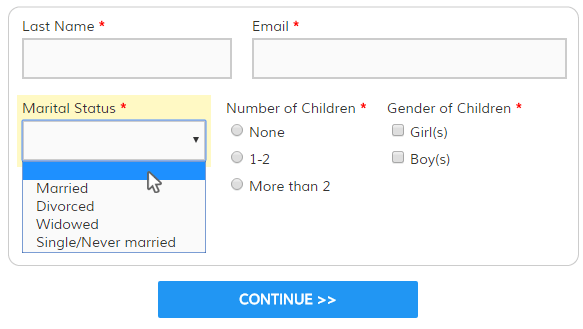
One of our most useful features is Save & Return, which gives your form visitors the ability to save their progress on your form. Using this feature is mostly straightforward but there are some settings and features that form owners should be aware of.

For example:

  • Do I need to add the Save & Return item to my form?
  • What do the settings do?
  • How do I link to my form?
  • How do Notifications work with it?
  • Can I Pre-populate?
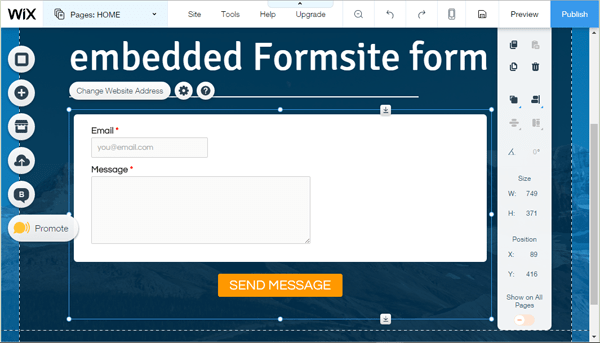
  • Does it work with embedded forms?

Save & Return Form

Continue reading

Formsite Makeover: What’s Changed?

This makeover changes the user interface of the Formsite pages once you log in to the site. The primary goal of the redesign is to modernize the look and behavior of the tool, and take advantage of modern devices, screen sizes, and current technology.

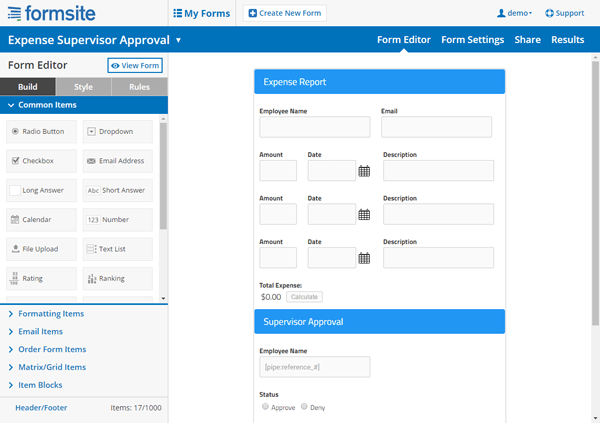
Formsite Makeover Form Builder

Continue reading

Custom Labels for Better Forms & Clearer Results

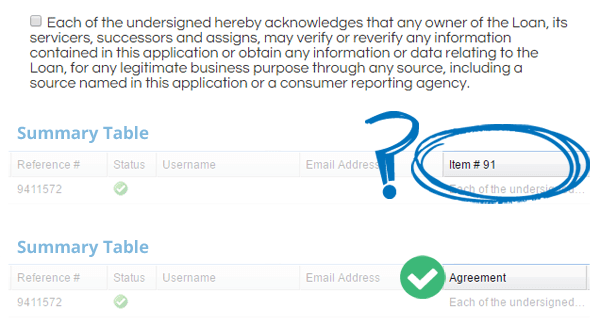
Are your form results hard to read because of unclear column headers? Do you know you can make custom labels? For example, a common item for many forms is an agreement item that the visitor must check before proceeding. These include registration forms with a Terms & Conditions agreement or order forms with an acknowledgement of the return policy.

The display of these items in results and reports can be problematic. If you add a descriptive question then it looks repetitive, but if you choose to use a blank question then your item is recorded with a simple number. We solve that problem by offering Custom Labels settings that let you create more useful forms and reports.

Custom Labels for Form Results

Continue reading
Billions of forms submitted