Review Your Forms to Start the New Year Right
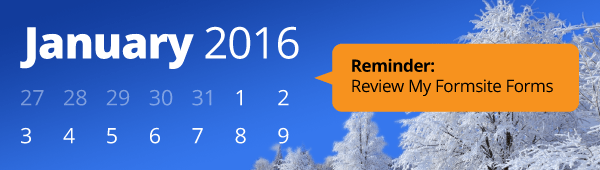
The new year is the perfect time to review your online forms for new opportunities and performance optimizations. Some common places to analyze include:
- Form styles & new features
- Notifications
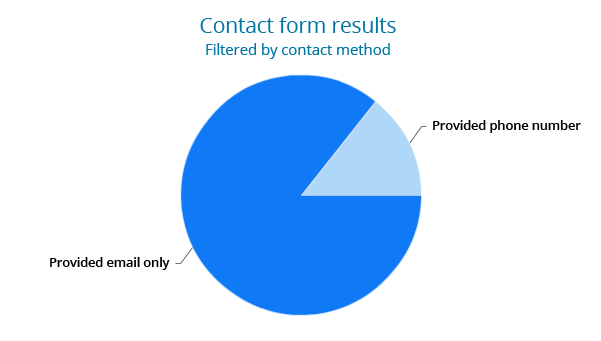
- Results
- Track & Connect
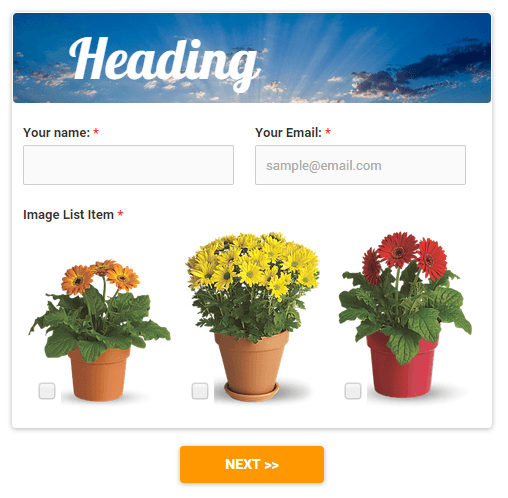
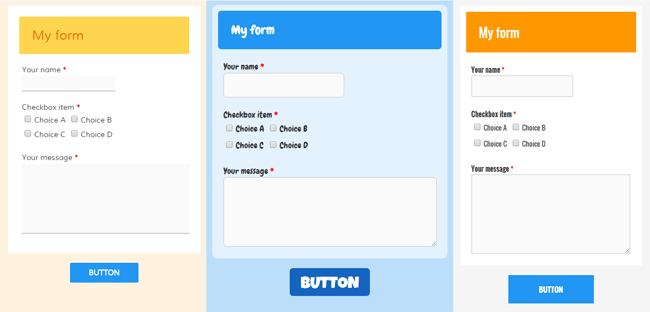 Now available for all Formsite accounts is the addition of theme styles in the Look & Feel tools. To complement the theme colors, the new styles chooser lets you apply multiple settings to your form that follow major style categories like Modern, Classic, Casual, and Airy. To top it off, we've also added the live preview of your form so you can see your style choices instantly.
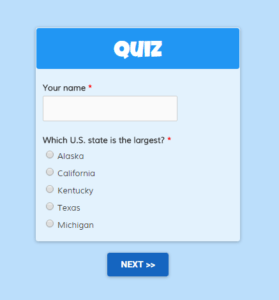 Online tests are a popular request from more than teachers. Organizations of all kinds have expressed the need for quiz forms, tests, or any sort of answer scoring and evaluation.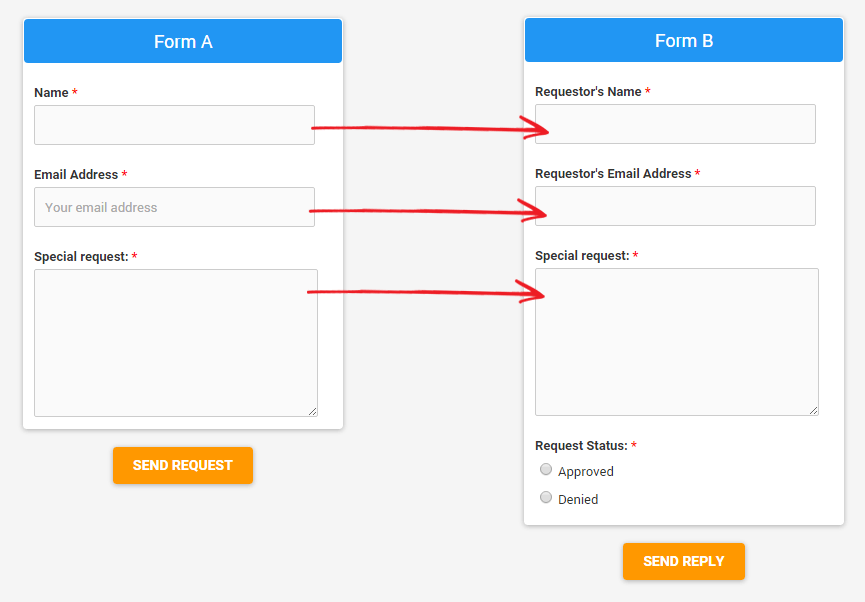
 Staying connected to people who have submitted your form is a useful feature for many form owners. For example, your event registration form can send an email reminder of an important upcoming date. Another use would be for an online store to send sale notifications to past customers. The possibilities are endless!
 Formsite is proud to announce that our Zapier integration has been completed! They require that all new vendor partners go through an invite-only period to work out any issues, and Formsite has now been officially added to the